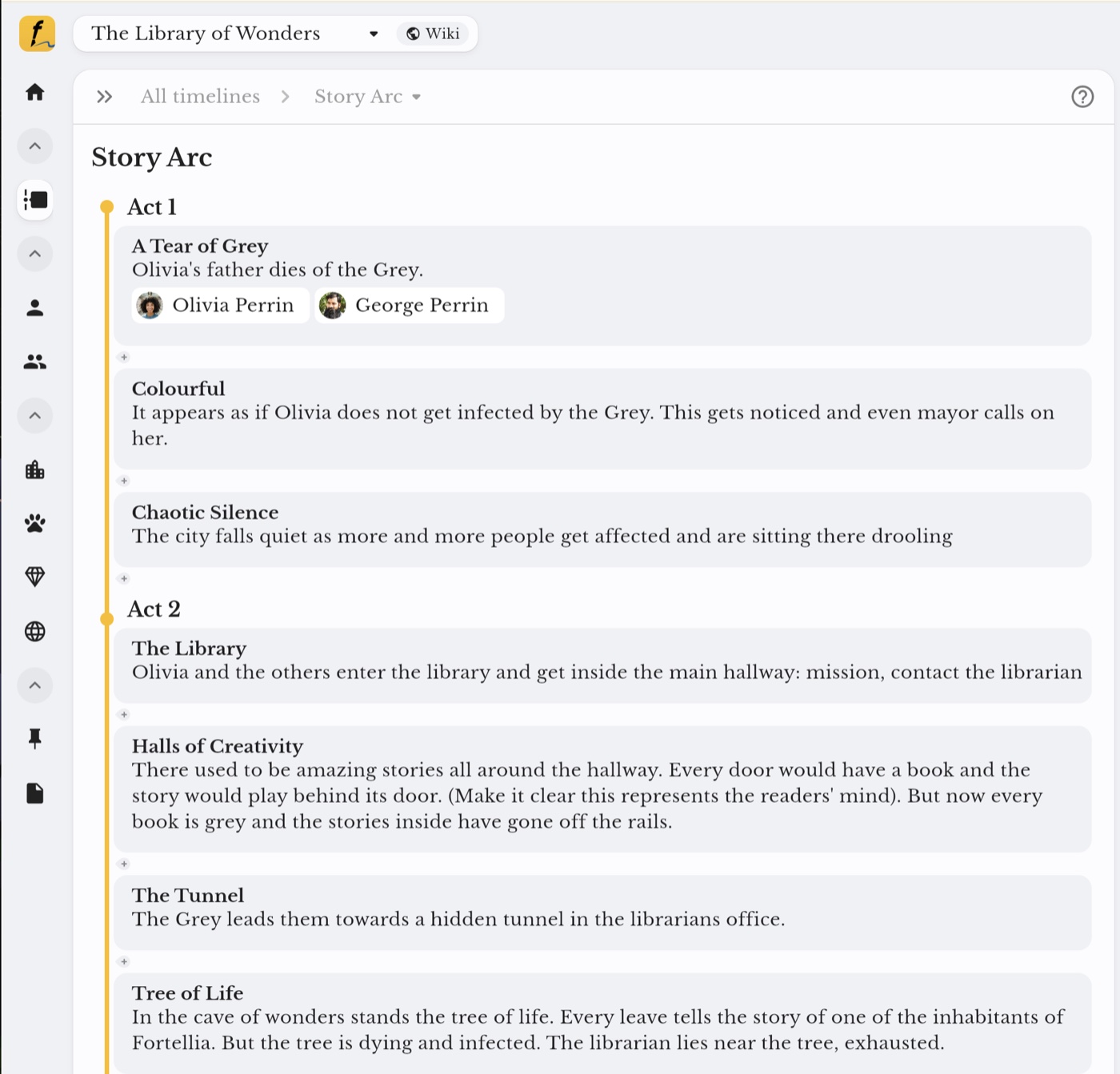
Put Fortelling on your desktop.
Fortelling runs in your browser. There's no offline desktop app, but you can add it to your desktop so it opens in its own window, like any other app.
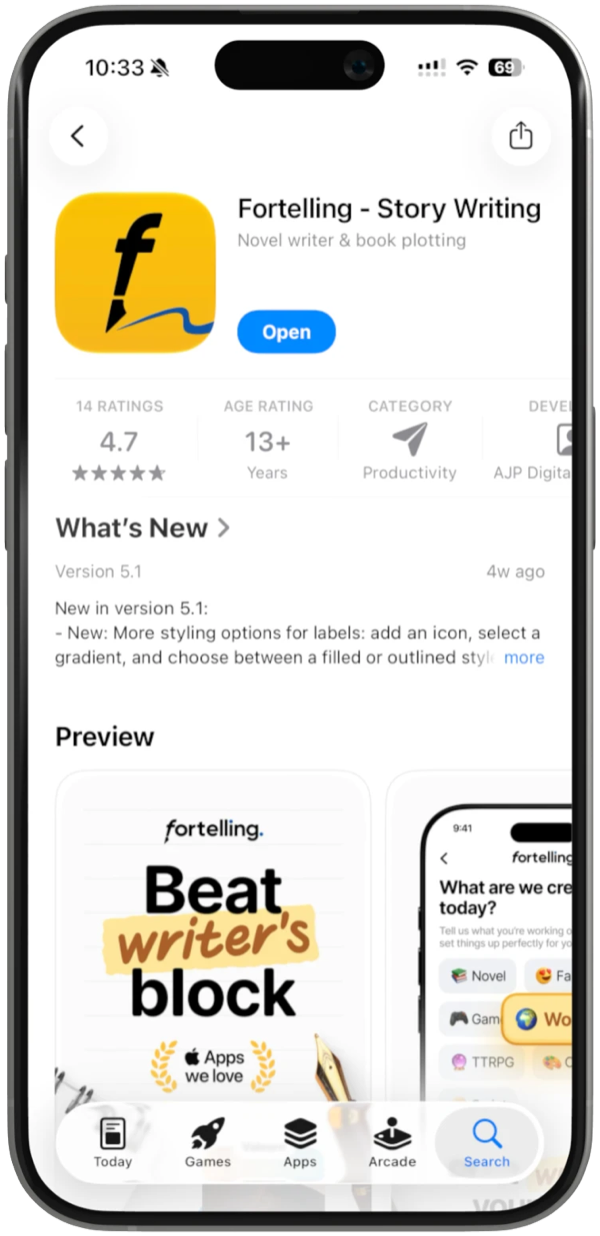
Put Fortelling on your iPhone.
Free on the App Store, for iPhone and iPad. Scan the code with your camera and the App Store opens right on Fortelling.
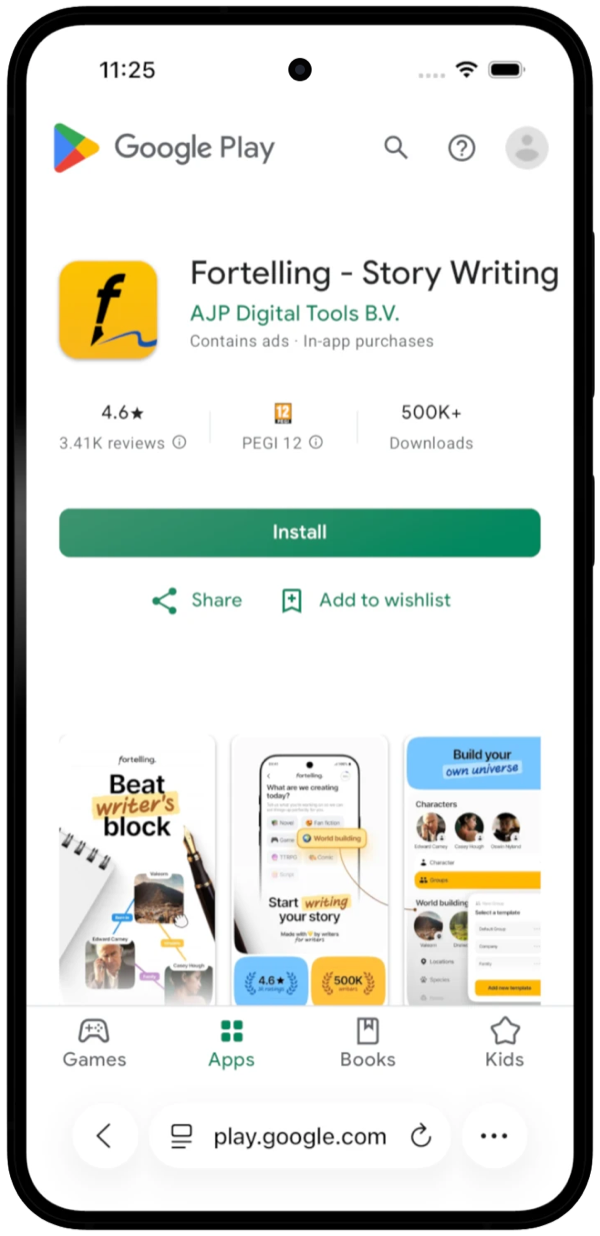
Put Fortelling on your Android.
Free on Google Play, for phones and tablets. Scan the code with your camera and Google Play opens right on Fortelling.
Add it to your desktop in
- Open web.fortelling.app and sign in.
- Click the install icon at the right end of the address bar.
- Click Install.
- Fortelling opens in its own window. Find it in your dock, taskbar or Start menu.
- Open web.fortelling.app and sign in.
- Click the app icon at the right end of the address bar.
- Click Install.
- Pin Fortelling to your taskbar, Start menu or desktop when Edge asks.
- Open web.fortelling.app in Safari and sign in.
- Choose File › Add to Dock.
- Click Add.
- Open Fortelling from your Dock, like any other app.
- Open web.fortelling.app in Firefox and sign in.
- Drag the padlock at the left of the address bar onto your desktop.
- Double-click the new shortcut to open Fortelling.
- Or press Ctrl+D (Cmd+D on a Mac) to bookmark it.
- 1Open your camera and point it at the code.
- 2Tap the link, then tap Get.
- 3Open Fortelling and sign in. Your projects sync across phone, tablet and web.
Reading this on your iPhone? Tap Open the App Store instead.
- 1Open your camera and point it at the code.
- 2Tap the link, then tap Install.
- 3Open Fortelling and sign in. Your projects sync across phone, tablet and web.
Reading this on your phone? Tap Open Google Play instead.