How do I invite a co-author to my project?

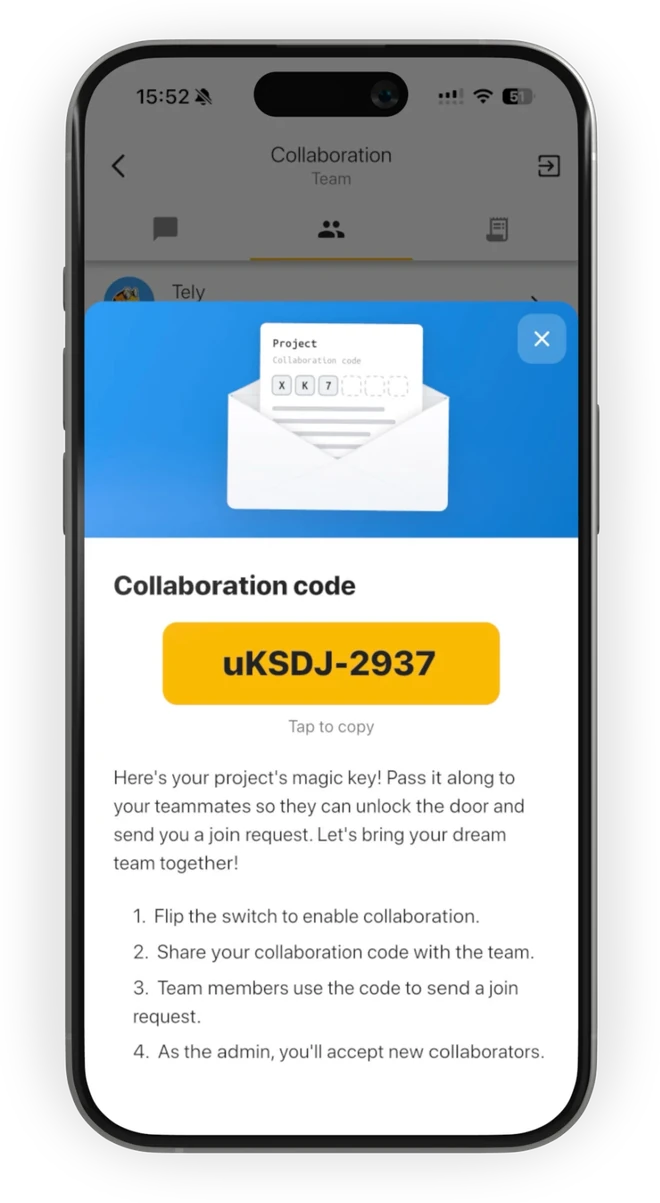
  1. The Collaboration code screen in the Fortelling app on a phone: the project's code to tap and copy, and the four steps to invite your team
    1

    Open your project, go to the collaboration page in the menu and turn collaboration on. Copy the collaboration code and send it to your co-author.

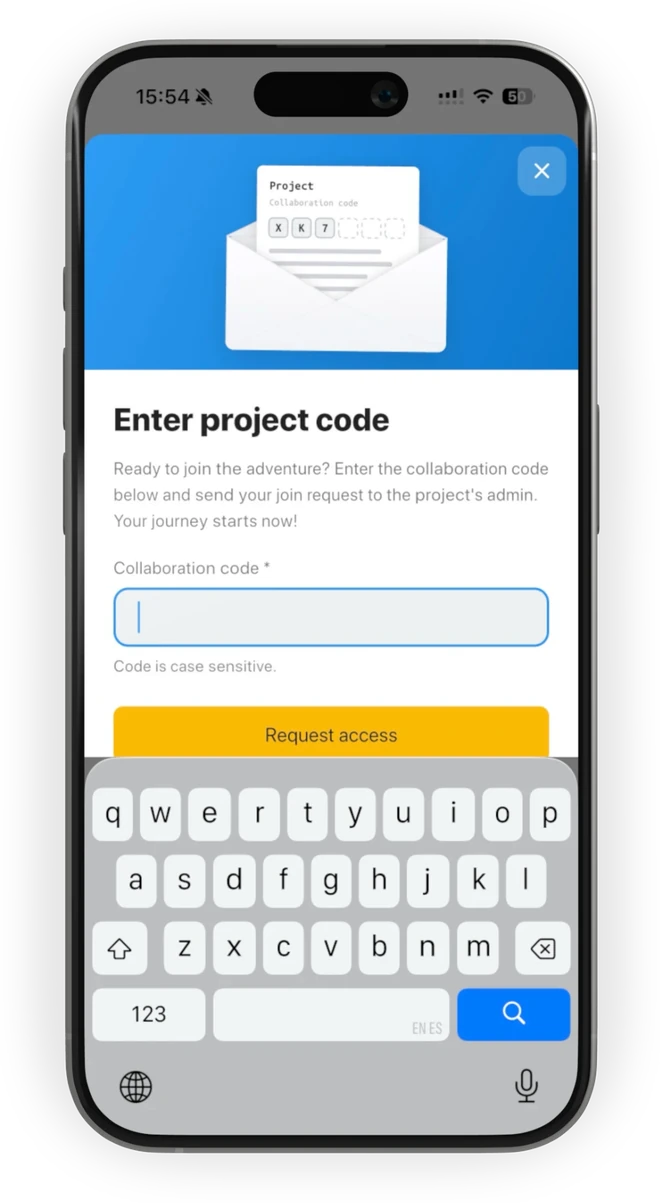
  2. The Enter project code screen in the Fortelling app on a phone, where a co-author types the collaboration code and requests access
    Send the code2

    They tap the button with a person and a plus sign on their home screen, enter the code, and you approve the request.

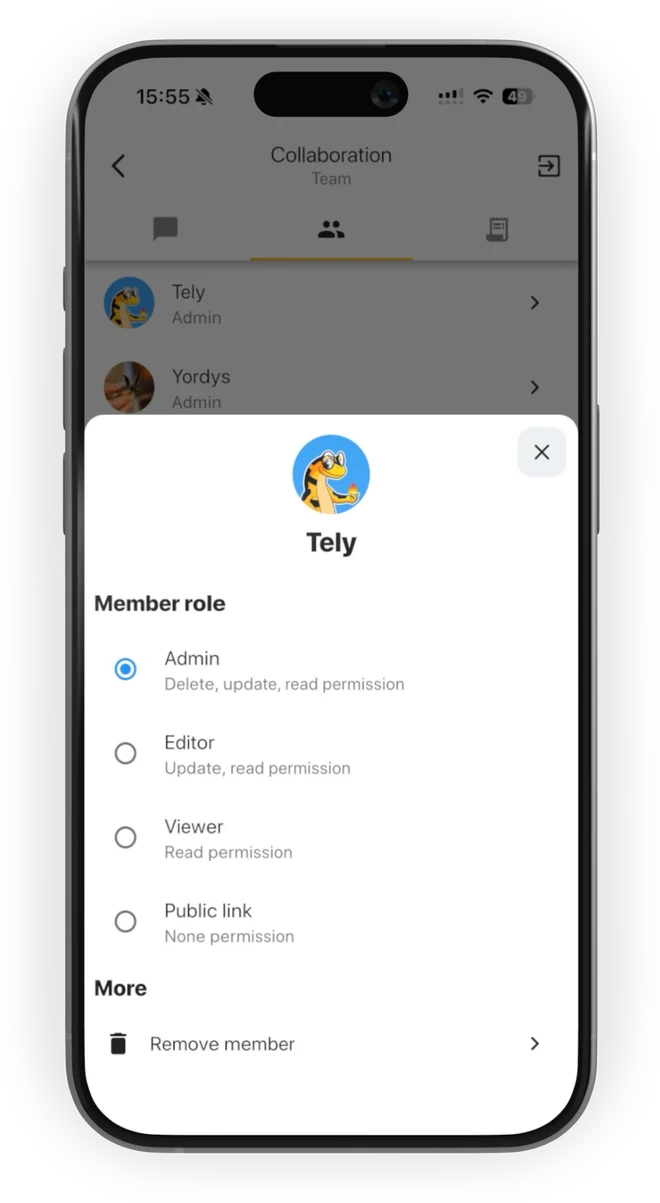
  3. The Member role sheet in the Fortelling app on a phone: Admin, Editor, Viewer or Public link, and Remove member
    Approve the request3

    New members join as Viewers, and you can give them another role at any time.

Everything you need to write together – Free collaboration

A project of 50 participants managed to share their characters with each other and still stay organised inside one project.

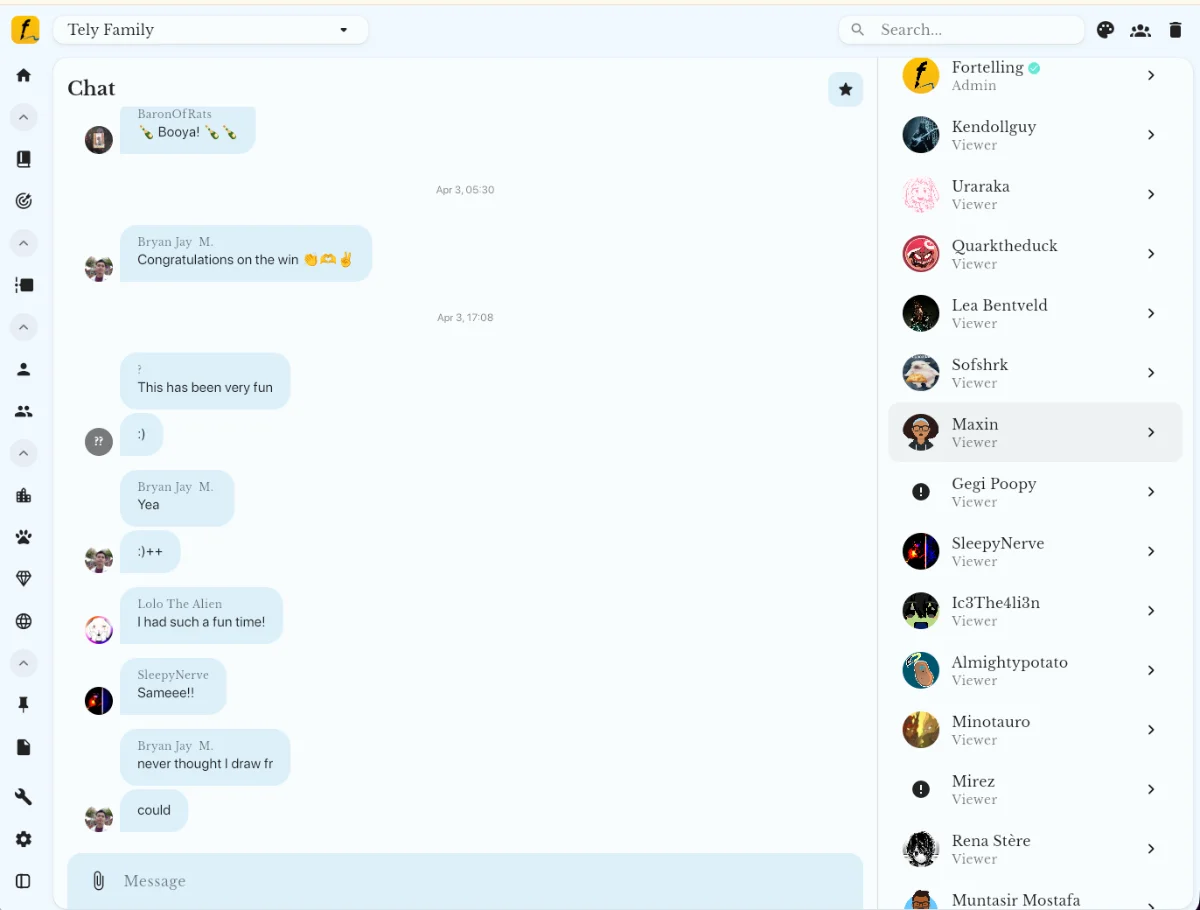
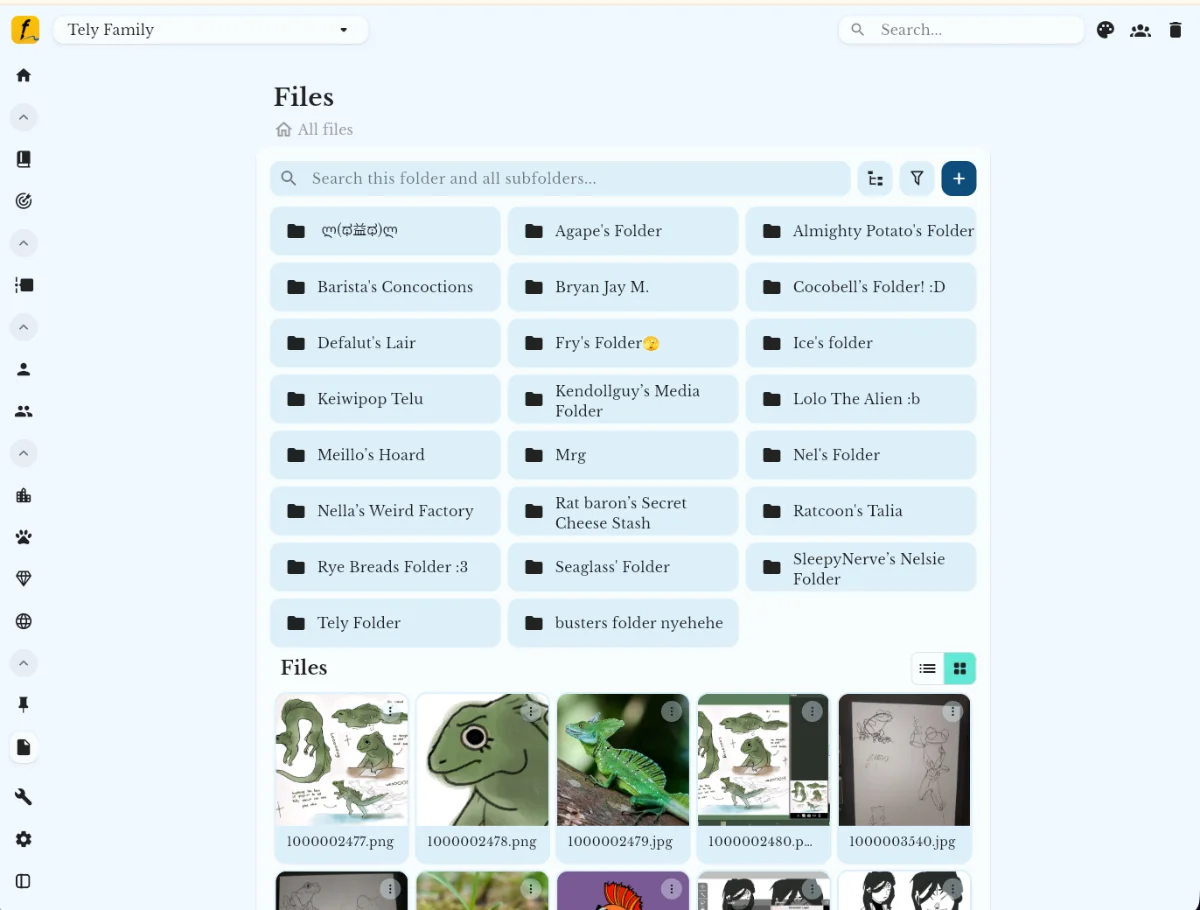
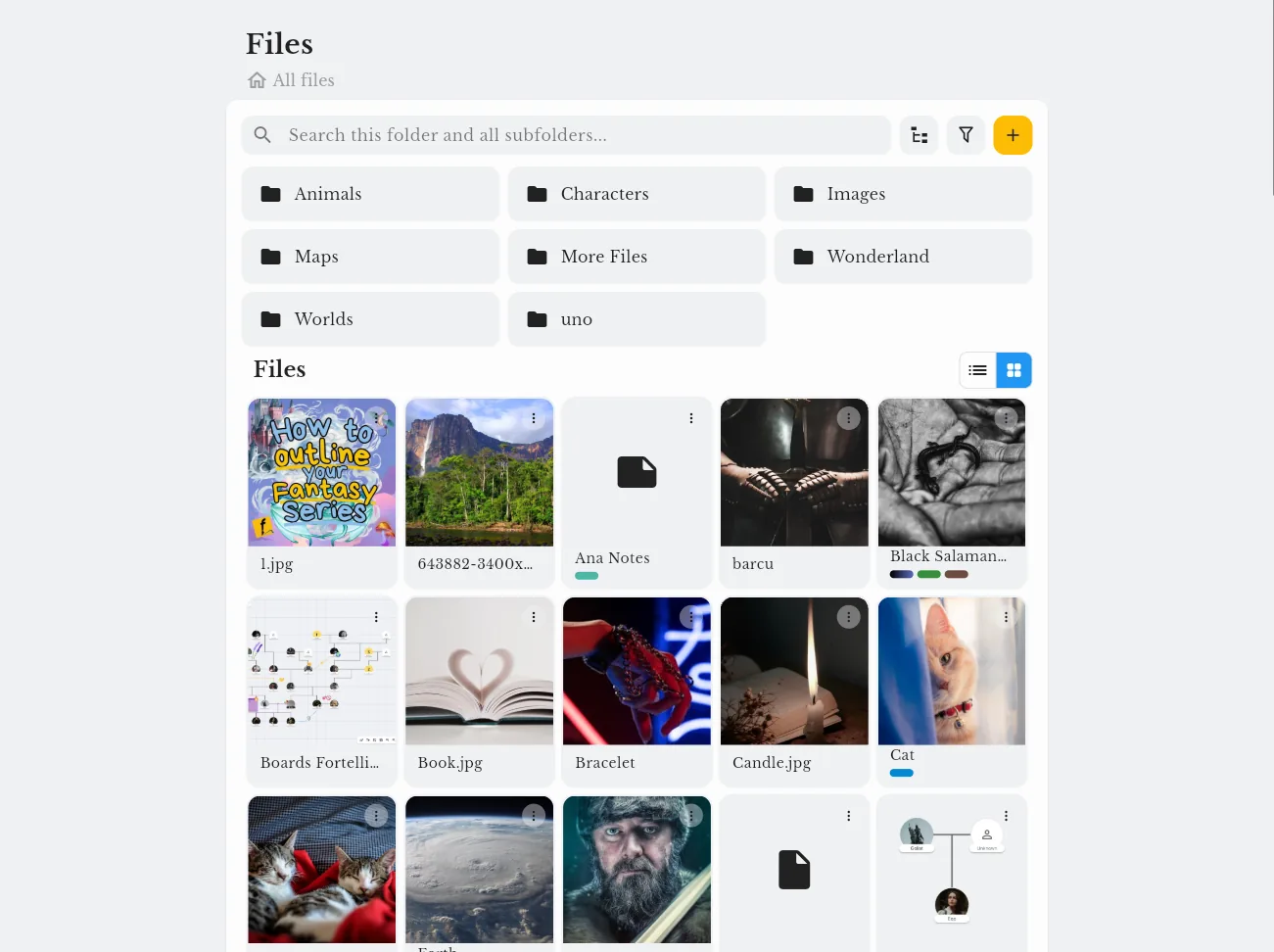
Shared project files: a folder for every member of the Tely Family project

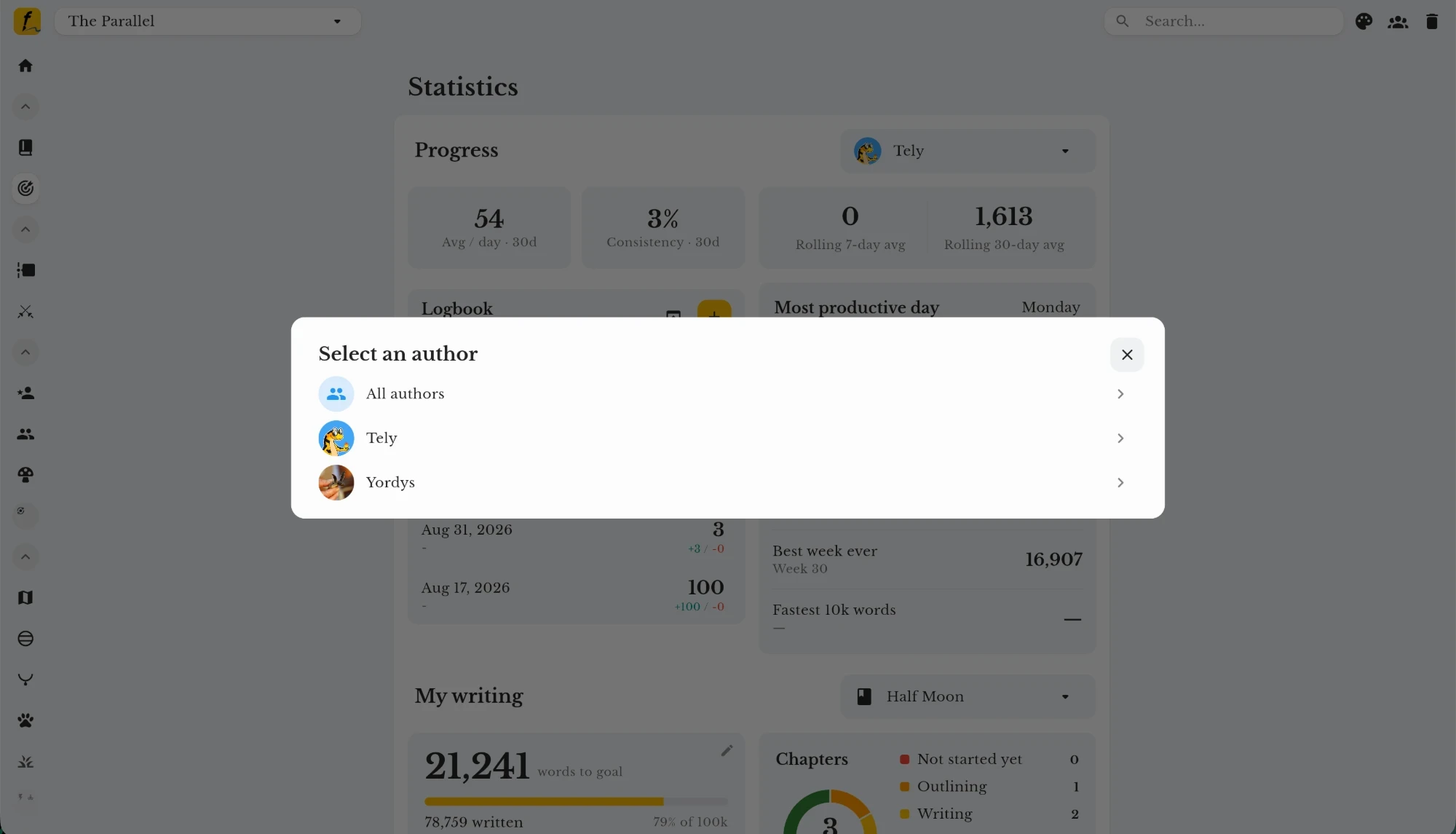
You can filter your project statistics by author and see how much progress each author has added to the story.

Fortelling statistics with the Select an author dialog: All authors, Tely or Yordys

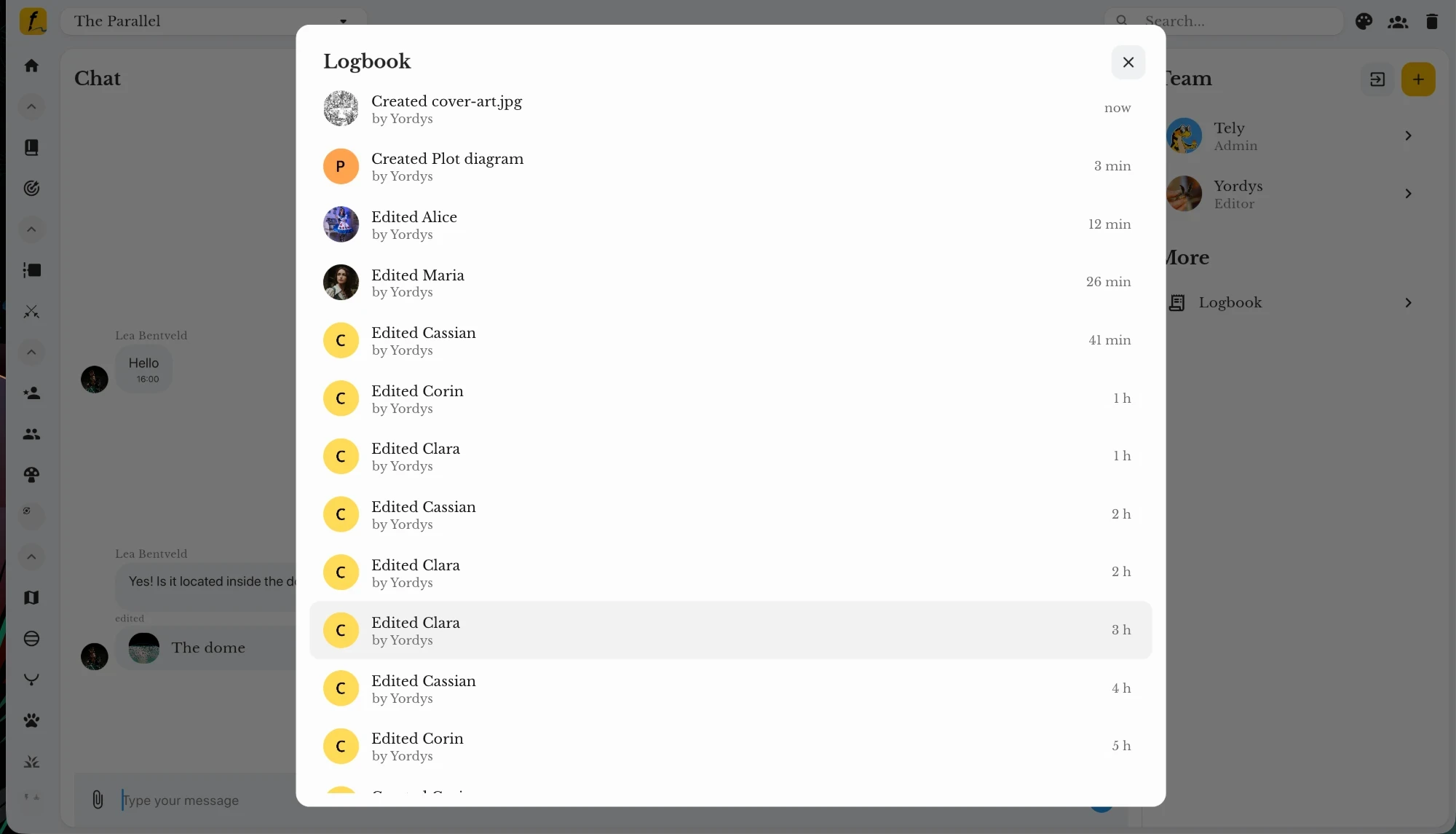
See which story elements others have created and when, so you can keep up as your project grows.

The Fortelling logbook: recent changes to the project, with who made each one and when

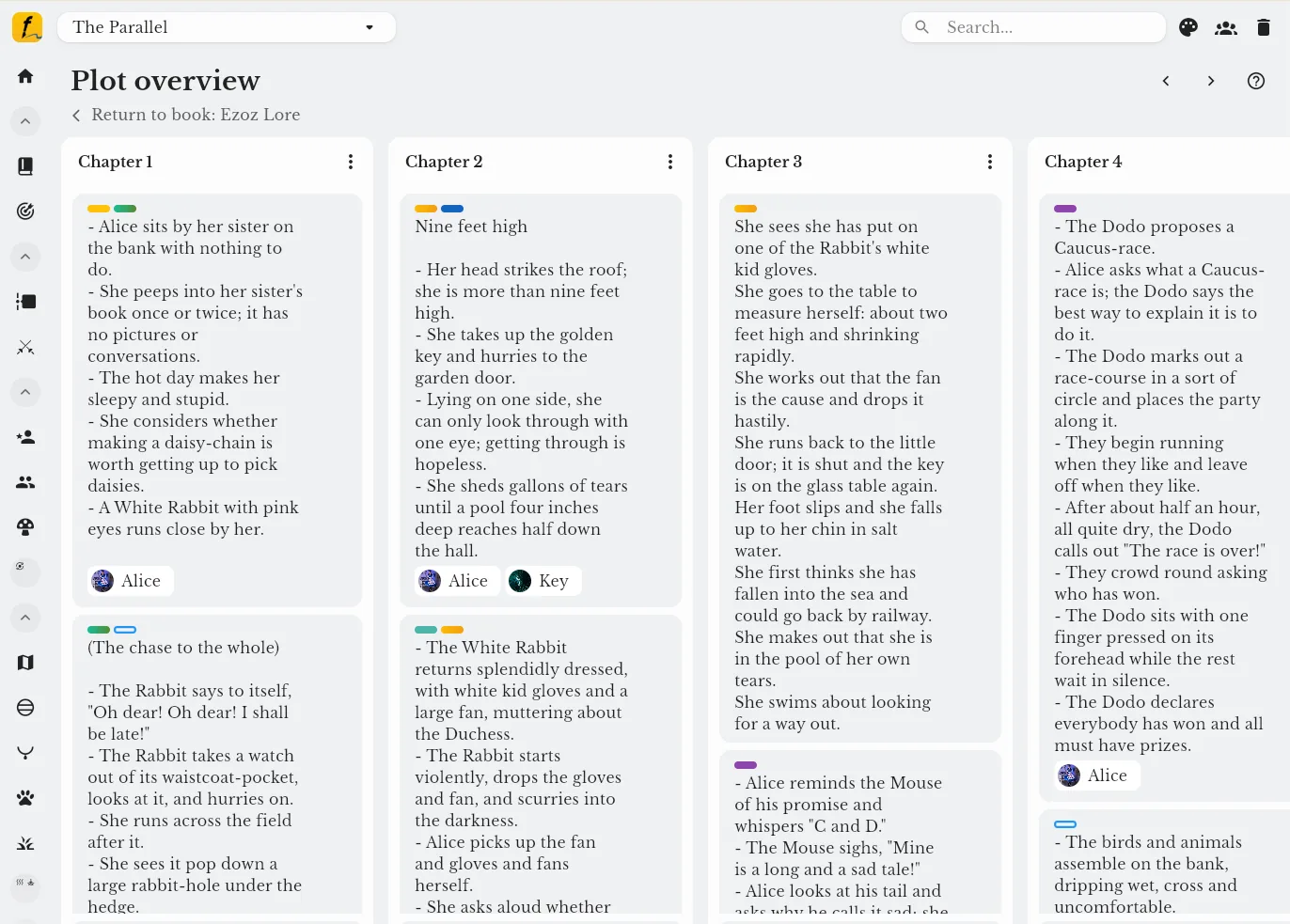
Plan your story visually with others to stay on the same page and move forward with clarity.

Fortelling outline view with chapters split into events and scenes

Characters, groups, locations, items, languages or your own tools.

Fortelling character template with fields for a story character
Shared project files: a folder for every member of the Tely Family project
Fortelling statistics with the Select an author dialog: All authors, Tely or Yordys
The Fortelling logbook: recent changes to the project, with who made each one and when
Fortelling outline view with chapters split into events and scenes
Fortelling character template with fields for a story character
Sync between unlimited devices and merge your team members’ stories into one project.

Take collaboration further – Fortelling Pro

All add-ons included in Fortelling Pro.

Control what you share and what you keep private.

Shared project files organised in labelled folders

Share your worldbuilding elements with others through a link, and post them on any social media.

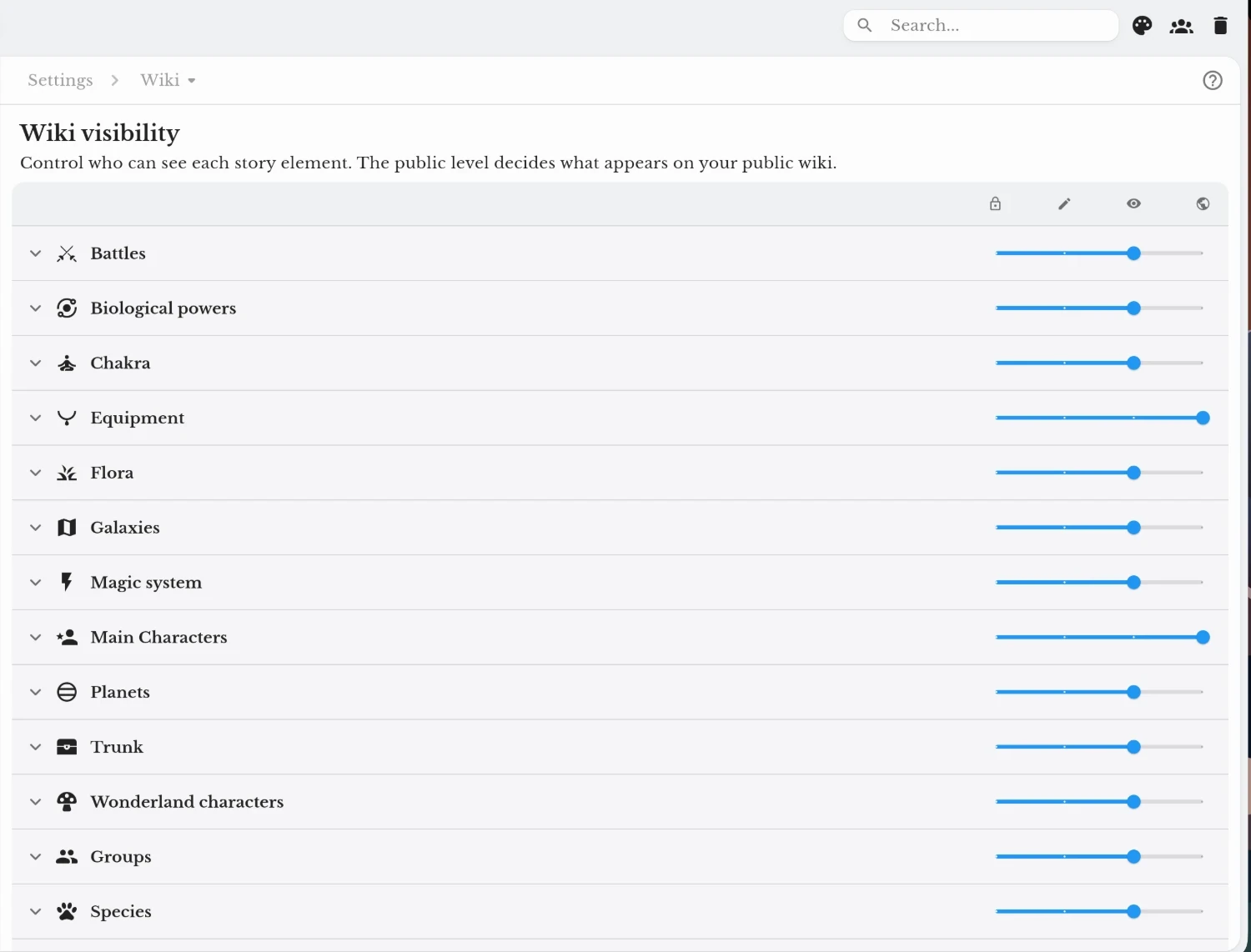
Fortelling Wiki visibility settings: a slider for each story element sets who can see it, up to the public wiki

Create your own layout themes by choosing your colours and layout font.

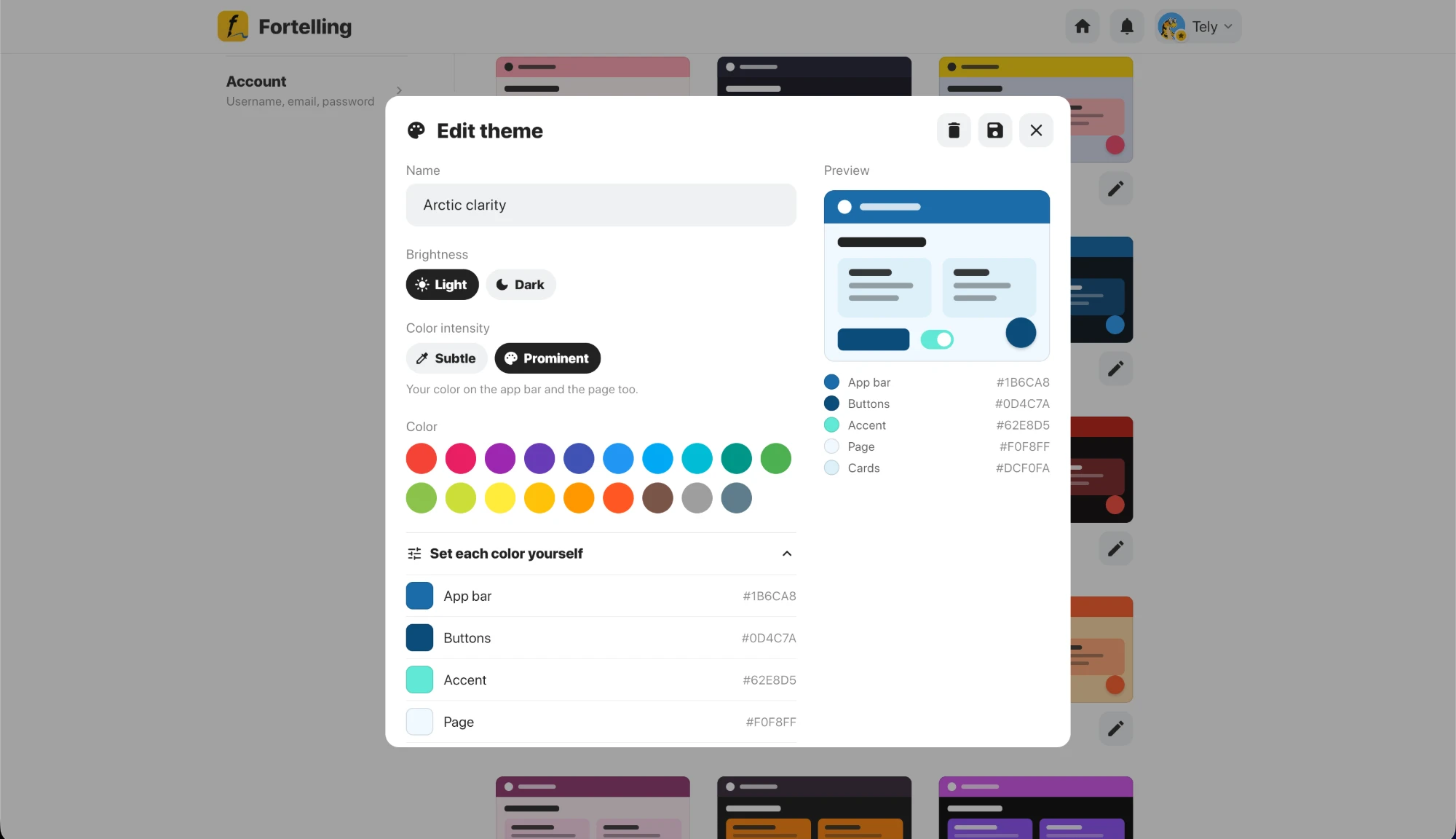
The Edit theme window in Fortelling: name, light or dark, colour intensity, colours and a live preview

For example, a to-do list, an author page or a template your team uses for secondary characters.

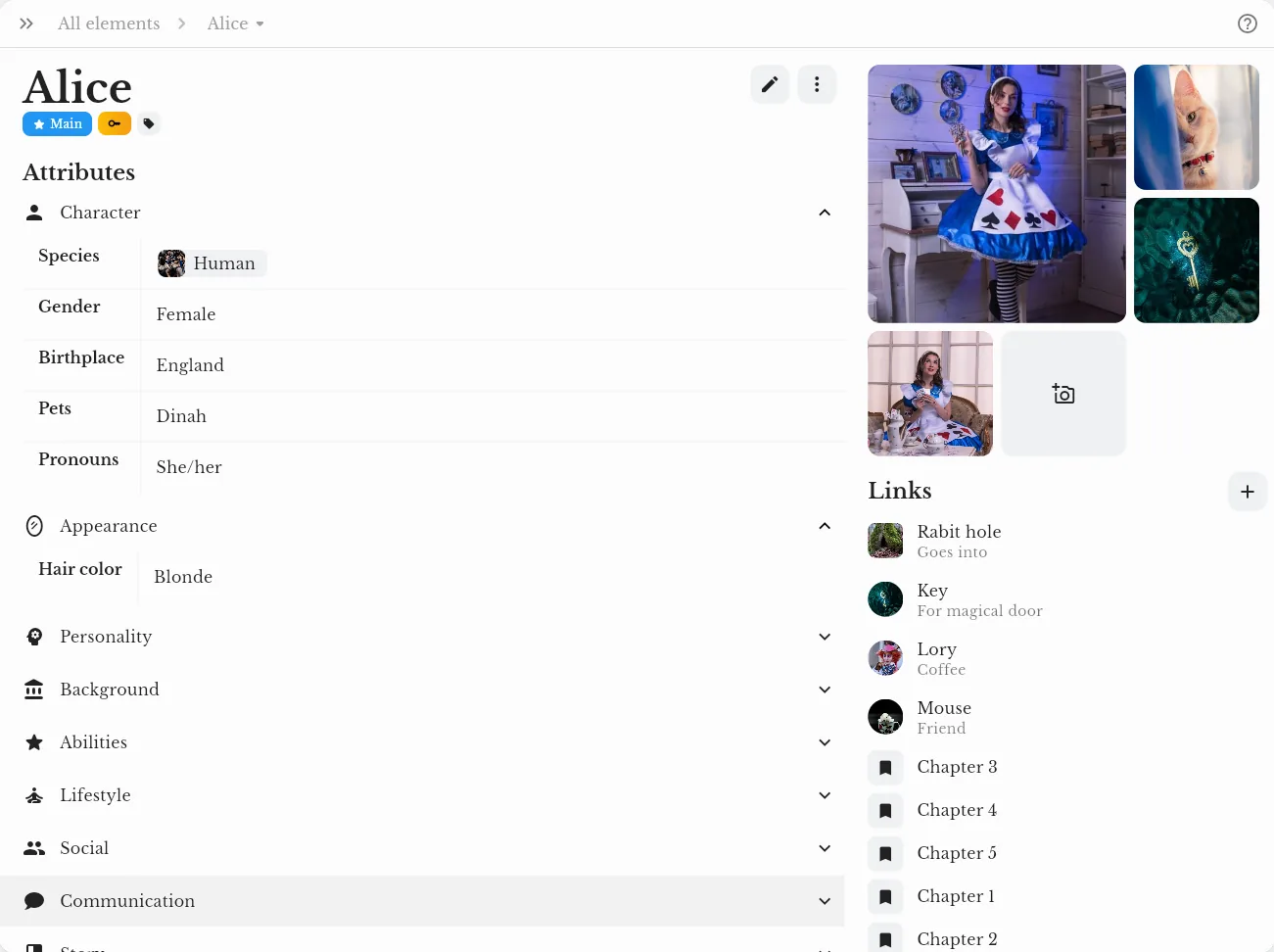
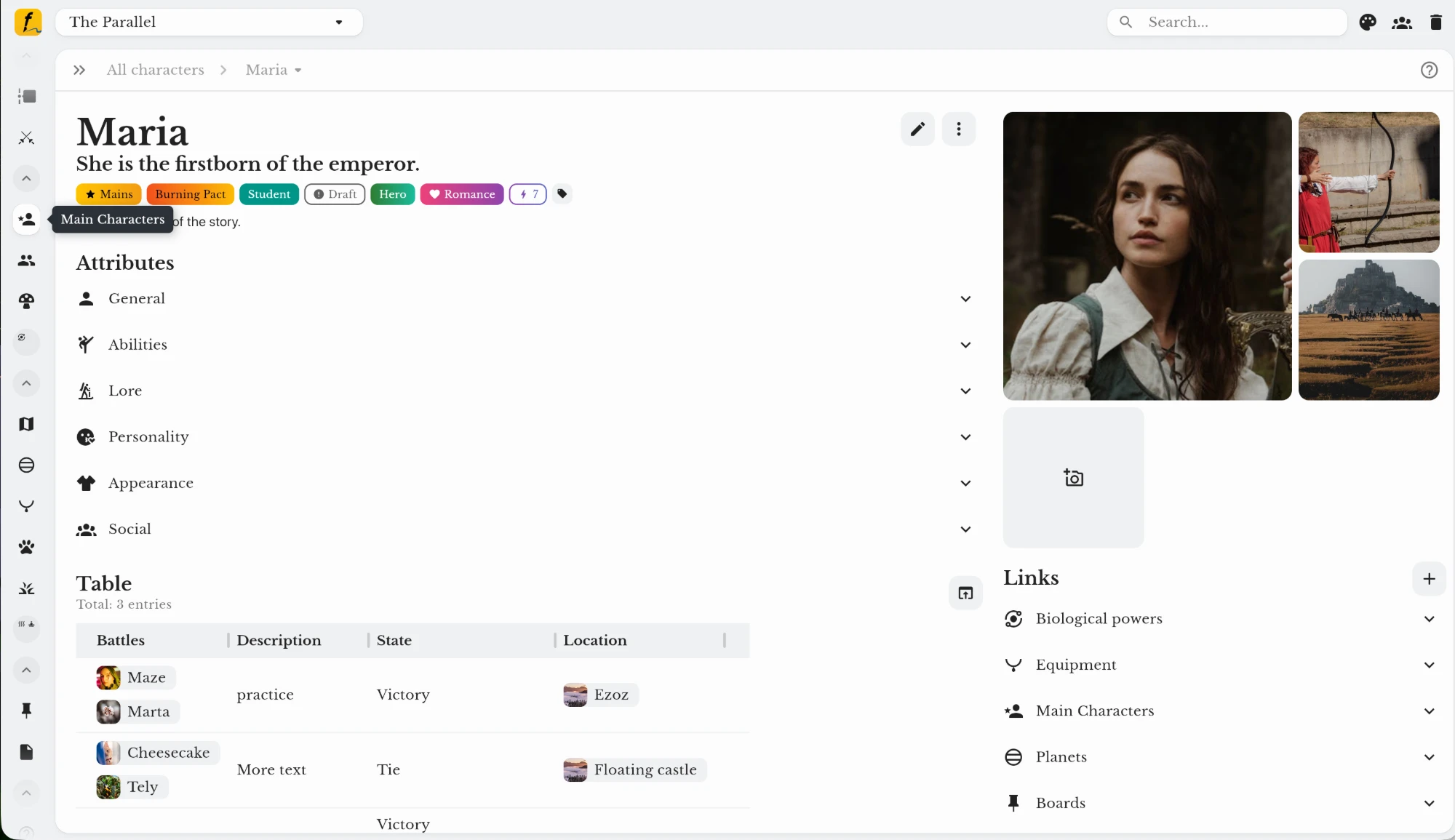
A Main Characters tool in Fortelling with attribute groups and a table on each page
Shared project files organised in labelled folders
Fortelling Wiki visibility settings: a slider for each story element sets who can see it, up to the public wiki
The Edit theme window in Fortelling: name, light or dark, colour intensity, colours and a live preview
A Main Characters tool in Fortelling with attribute groups and a table on each page
★★★★★ i don't usually write reviews but...
“OH MY GOD. this app is a LIFE SAVER it's literally the coolest thing ever; it's easy to understand AND helps so much with book writing and stuff. I'm currently in a dnd campaign where everyone is pretty new to the idea of dnd and using this app to store information is SO beneficial. You can collaborate with your friends as well which is so useful, and you can add characters (with extensive details on everything to do with them), you can add worlds, languages, species, and SO MUCH MOREEEE!!!”
May 21, 2026 - 213DJFROG · App Store
Pricing

Start free. Give your team more control with Pro.

FreeFortelling Pro
Mobile app and web planEverything your team needs
7 days free
$6.25/ month $74.99 billed yearly. 2 months free.
  • Unlimited writing and plotting on mobile
  • Limited writing and plotting on the web
  • Chat and basic collaboration
  • Shared project storage
  • Shared statistics and project log
  • Board tool
  • Outline and Timeline tool
  • Dark mode
  • Ad-free, in 18 languages
  • Everything in Free
  • Role-based access for every collaborator
  • Public wiki to share your world
  • Tools and templates made for your team
  • Template Hub (InkLink)
  • Layout themes and fonts
  • Unlimited characters, locations and files on the web
  • Family tree board and tables
Download Get started – for free Start with Pro Get started – 7-day trial Switch to Pro whenever you need more. No contracts, cancel anytime.
Compare every feature on the pricing page

Gift your team a Pro writing space

Gift Fortelling Pro
FAQ

Questions about collaboration

Open your project, go to the collaboration page in the menu and turn collaboration on. Copy the collaboration code and send it to your co-author. They tap the button with a person and a plus sign on their home screen, enter the code, and you approve the request. New members join as Viewers, and you can give them another role at any time.

Plot your story together.

Write and plot on unlimited devices

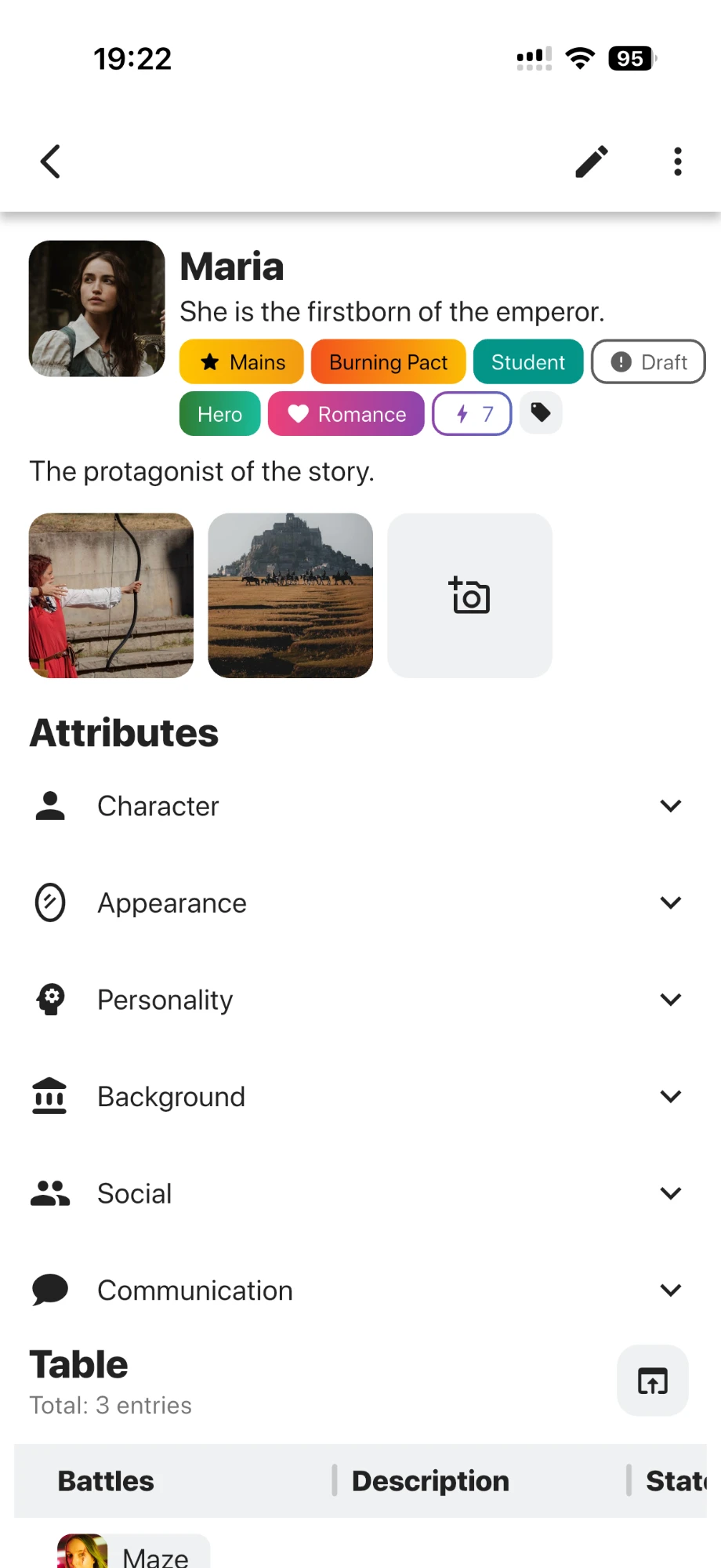
A character page in the Fortelling app on a phone
iPhone and Android
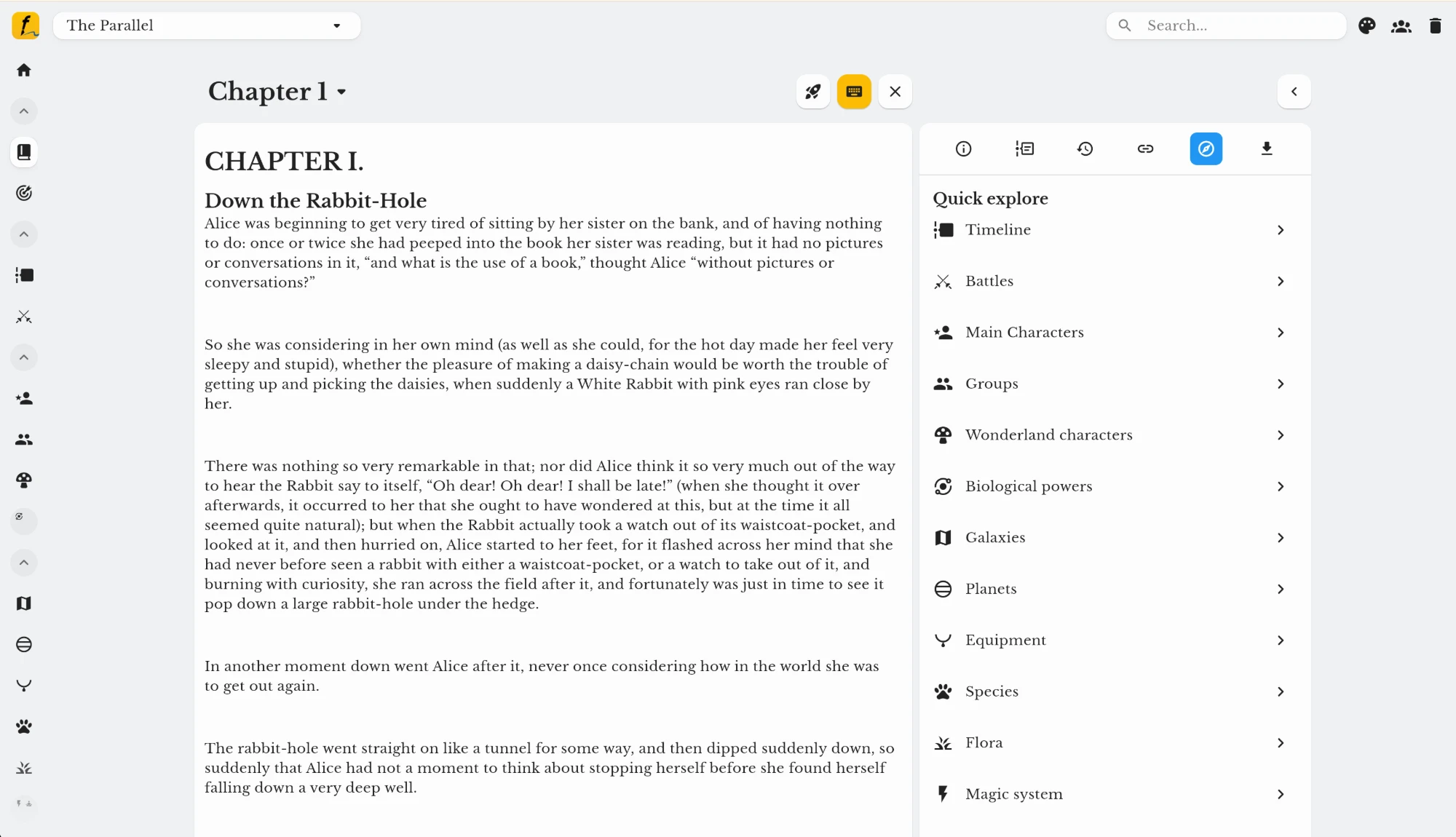
Fortelling web editor on a laptop
Desktop and laptop Get started – for free
Get started – for free

4.5 ★ on the App Store and Google PlayNo AI tools

iPhone
Download on theApp Store

Placeholder: version and requirements

Android
Get it onGoogle Play

Placeholder: version and requirements

Desktop and laptop
Get started – for free

Placeholder: browsers and requirements